Get Q-Rate
Join the league — download Q-Rate in seconds. No app store needed.

Q-Rate — Elevate Your Game
A Progressive Web App — installs directly on your phone from the browser. Works on iPhone, Android, and desktop.
Open Q-Rate AppHow to Install
Step 1
Visit the App
Open qrate.replit.app on your phone's browser (Chrome, Safari, or any modern browser).
Step 2
Install the PWA
Tap "Install" when prompted — or use your browser's Share menu → "Add to Home Screen".
Step 3
Create Your Account
Sign up with your email or username and set your password.
Step 4
Join the League
Find the Saigon Legends Singles League and join — you're in!
App Preview
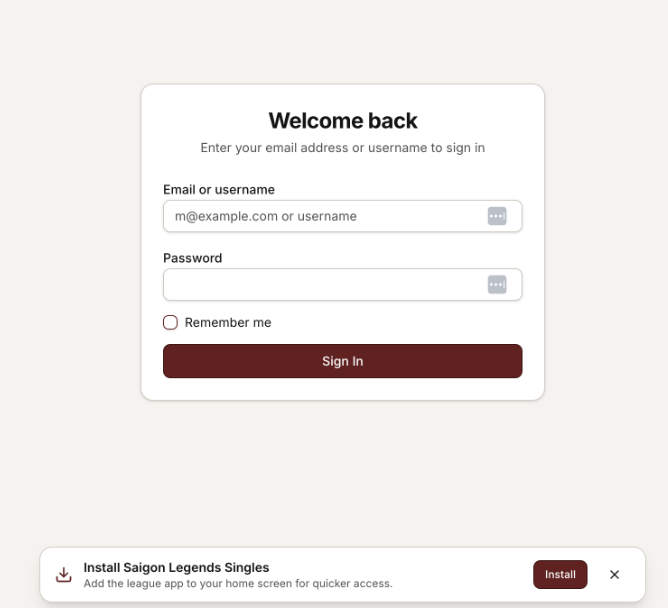
Sign In Screen
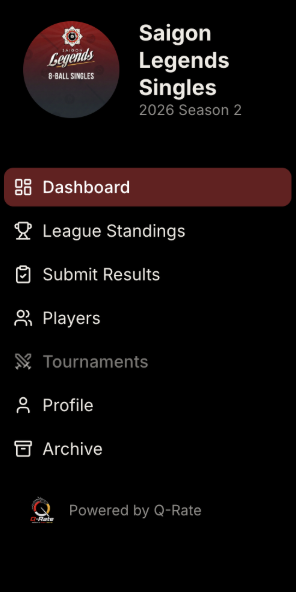
Dashboard Menu
Need Help?
If you have trouble installing the app or any other issues, please contact the Zalo group for guidance. Our community members and admins are always happy to help.
Q-Rate is a Progressive Web App (PWA). It works on all modern browsers and devices. No app store download is required — just open the link and install.